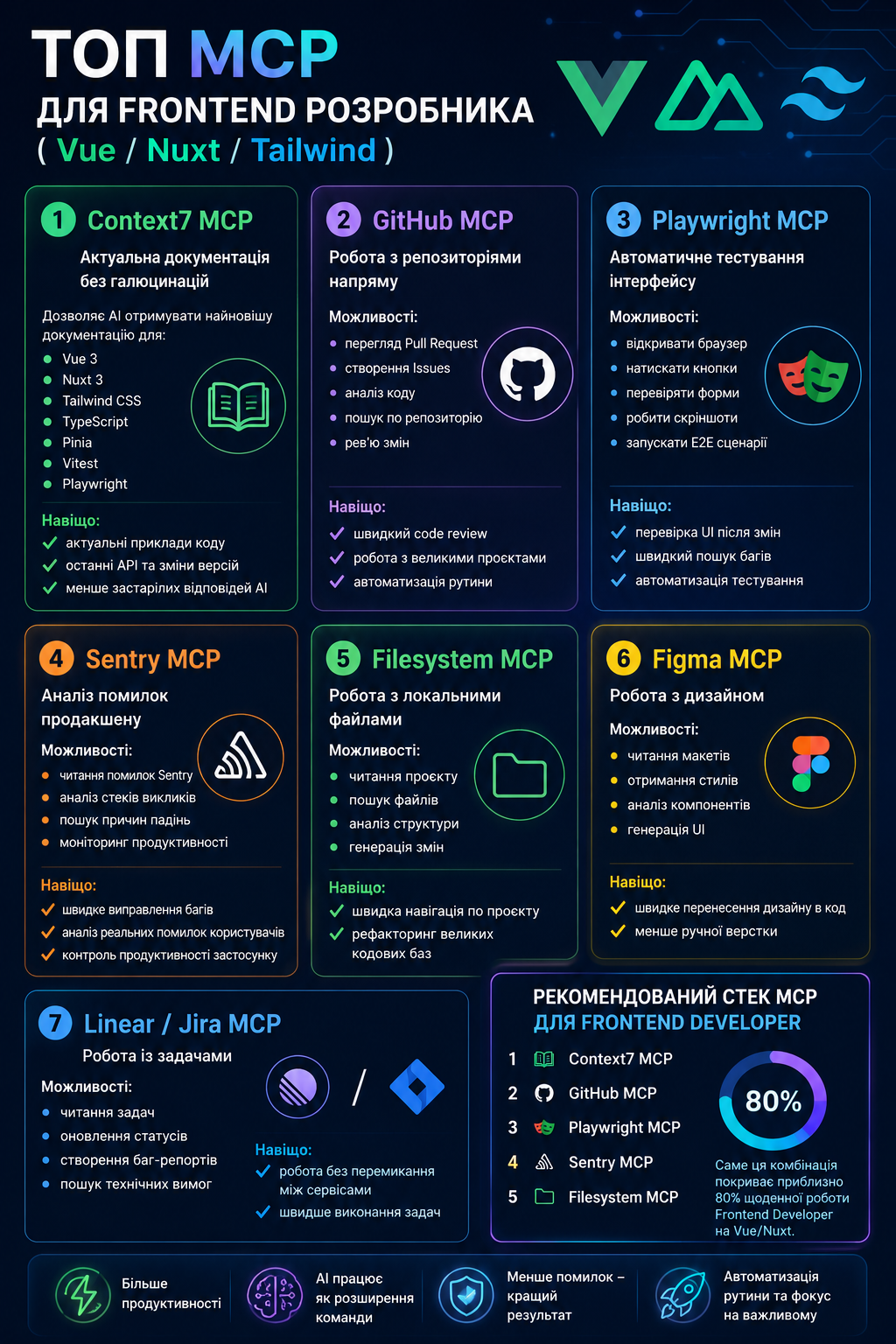
MCP (Model Context Protocol) servers connect an AI assistant to real tools — your documentation, repositories, files, design and production data. For a frontend developer working with Vue, Nuxt and Tailwind, these are the seven that make the biggest difference.
1. Context7 MCP — up-to-date docs, no hallucinations
Fetches the latest documentation for Vue 3, Nuxt 3/4, Tailwind CSS, TypeScript, Pinia, Vitest and Playwright. Why: real code examples, current API versions, and far fewer outdated AI answers.
2. GitHub MCP — work with repositories
Review pull requests, analyse code, search across repos. Why: faster code review, working confidently on existing projects, and automating routine repo tasks.
3. Playwright MCP — automated UI testing
Open a browser, click buttons, verify scenarios, run end-to-end flows. Why: reproduce UI bugs, find regressions fast, and automate testing.
4. Sentry MCP — analyse production errors
Read errors from Sentry, analyse stack traces, find issues by affected user, and watch performance. Why: fix bugs faster using real user errors and monitor product health.
5. Filesystem MCP — work with local files
Read the project, search files, analyse structure and generate code in place. Why: navigate large projects and refactor codebases efficiently.
6. Figma MCP — work with design
Read designs, pull layout data, analyse components and generate UI. Why: faster design-to-code and less manual layout work.
7. Linear / Jira MCP — work with tasks
Read tasks, update statuses, and create bug reports without leaving your editor. Why: stay in flow and close tasks faster.
The recommended stack
If you only set up a few, start with these five: Context7, GitHub, Playwright, Sentry, and Filesystem. This combination covers roughly 80% of a frontend developer's daily tasks on Vue/Nuxt — current docs, code review, testing, error analysis and project navigation.
MCP servers mean more productivity, fewer hallucinations, better results, and automation of the routine — so you spend your time on what actually matters.